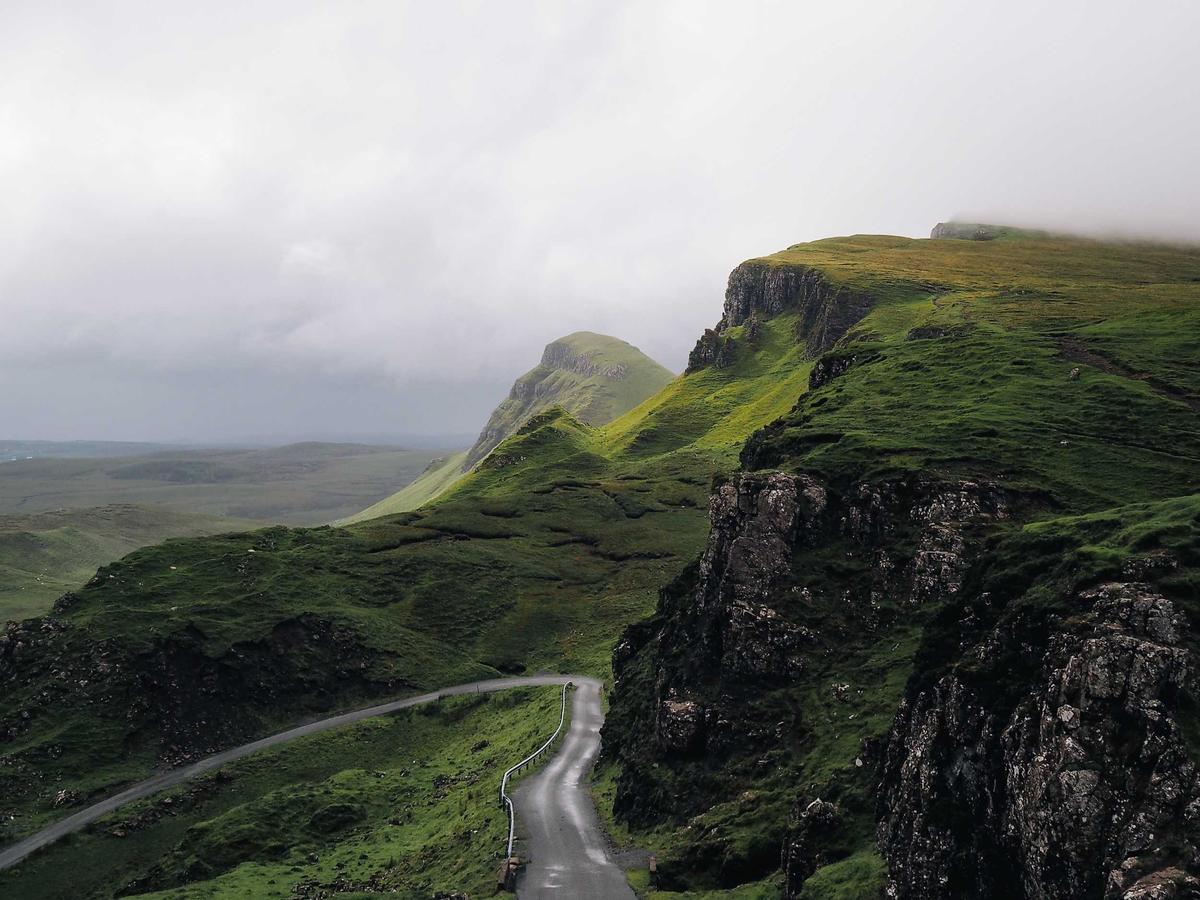
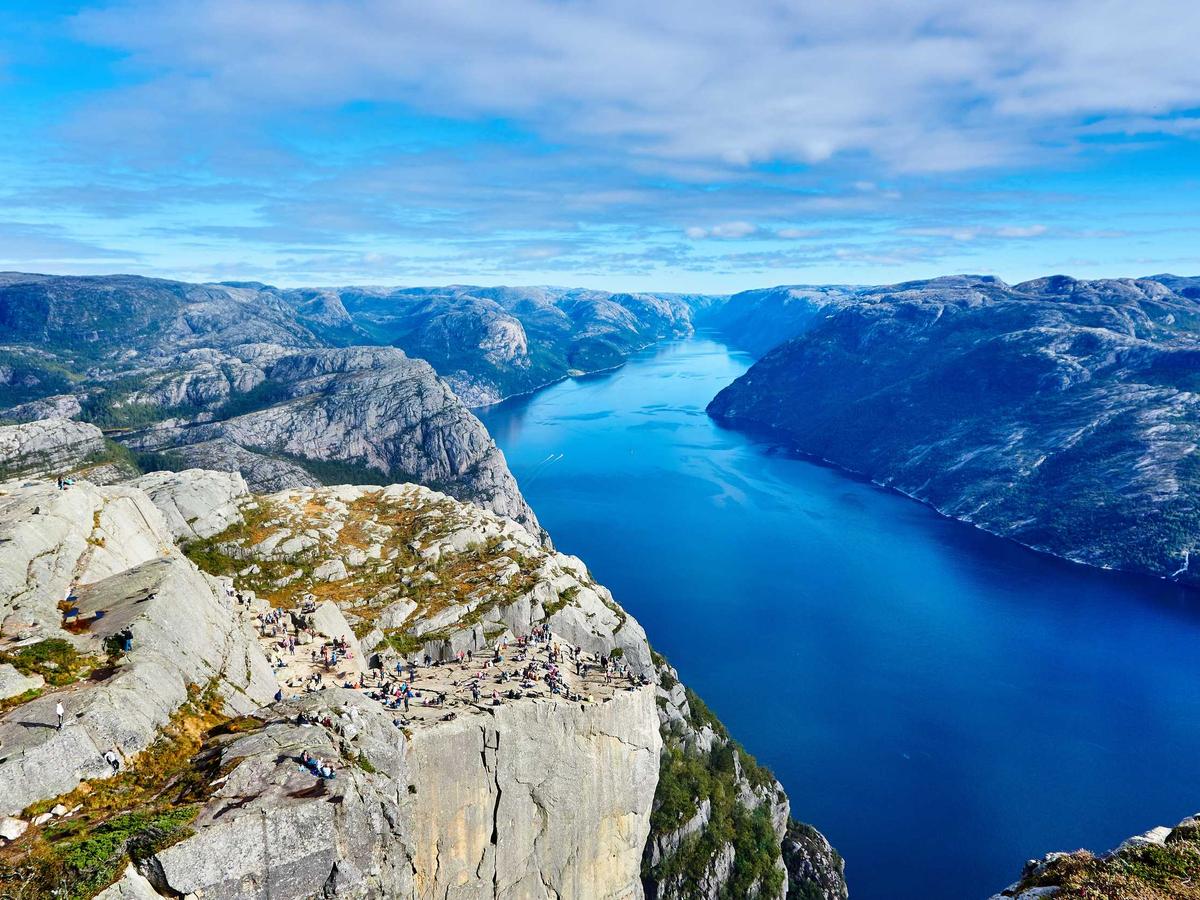
a floating glass frame round a picture or a video, the glass only its edge
npx shadcn add @ag/glass-displayAlready installed? Preview an update
npx shadcn add @ag/glass-display --dry-runYour installed source stays unchanged until you update it. How updates work
Latest changes · 2026-10-11
- New: the floating glass display round any media as its own item, out of
liquid-glass:GlassFrame(looked at in place),GlassDisplay(a door that lifts and plays what is inside while looked at),DisplayPlaybackandDisplayVideo. Its edge is the material'sGlassEdge, and it usesvideoforDisplayVideo. - Changed: its edge is the glass's own edge, the one every control wears, where it drew a fainter rim of its own; the shared edge was set by eye on these frames.
rimis a multiple of the glass's own, 1 unless set. Being looked at raises it a quarter, the line, its soft body and the bend together, one light. - Changed (breaking):
radiusis px, a number (default 20), where it was any CSS length read off the laid-out box once: a percentage parsed as pixels, and the bend's outline never followed a radius that changed. Migration:radius="1.25rem"isradius={20}. - Fixed: the bend and the line are one light on both faces. The bend lifted the picture by the rim and the look alone while the line also carried the ground's sheen and glass on glass, so on the dark face (sheen 0.8) the bend lifted 1.25× its line; both read the line's strength (
--glass-strength) now. On the light face the frame is unchanged. Only the softening and the crest, which lift by the light, wear it and ease it; the two layers that only blur no longer run a transition.
the demo above, verbatim
"use client"

import * as React from "react"
import { Sample } from "@/app/samples"
import {
  parseSession,
  sessionTimeline,
} from "@/registry/base-nova/lib/terminal-session"
import { Field } from "@/registry/base-nova/ui/field"
import {
  DisplayPlayback,
  GlassDisplay,
  GlassFrame,
} from "@/registry/base-nova/ui/glass-display"
import { Slider } from "@/registry/base-nova/ui/slider"
import { Terminal } from "@/registry/base-nova/ui/terminal"

// #region display
// A floating glass display around two kinds of media: a photograph, and a live
// component (a terminal session) that plays while its display is looked at and
// rests at its last frame otherwise. Each has a caption on the scrim and a cover,
// the button that makes the whole display one target.
const SESSION = `$ trash thesis-draft.txt
trashed: ~/Desktop/thesis-draft.txt

@700 $ trash list
thesis-draft.txt  2026-08-20 14:27  ~/Desktop/thesis-draft.txt

@700 $ trash restore thesis-draft.txt
restored: ~/Desktop/thesis-draft.txt`

const CLIP = sessionTimeline(parseSession(SESSION)).clip

function Caption({ name, note }: { name: string; note: string }) {
  return (
    <div className="p-5 text-white">
      <p className="text-lg font-semibold tracking-tight">{name}</p>
      <p className="text-sm opacity-75">{note}</p>
    </div>
  )
}

function Displays() {
  const [opened, setOpened] = React.useState<string | null>(null)
  const cover = (name: string) => (
    <button
      type="button"
      aria-label={`open ${name}`}
      onClick={() => setOpened(name)}
      className="absolute inset-0 z-10 rounded-[inherit] focus-visible:outline-2 focus-visible:-outline-offset-4 focus-visible:outline-white"
    />
  )
  return (
    <div className="space-y-3">
      <div className="grid gap-6 sm:grid-cols-2">
        <GlassDisplay
          className="aspect-video"
          cover={cover("valley")}
          caption={
            <Caption name="No hurry" note="A photograph, edge to edge." />
          }
        >
          {/* biome-ignore lint/performance/noImgElement: portable demo asset */}
          <img
            src="/glass-valley.jpg"
            alt="A green valley beneath distant mountains"
            className="size-full object-cover"
          />
        </GlassDisplay>
        <GlassDisplay
          className="aspect-video"
          cover={cover("terminal")}
          caption={
            <Caption name="trash" note="Point at it: the session plays." />
          }
        >
          <DisplayPlayback
            clip={CLIP}
            rest={CLIP.duration}
            className="size-full bg-zinc-950 p-4"
          >
            <Terminal session={SESSION} accent="#4ade80" alt="trash at work" />
          </DisplayPlayback>
        </GlassDisplay>
      </div>
      <p role="status" className="text-xs text-muted-foreground">
        {opened ? `opened: ${opened}` : "point at a display, or press one"}
      </p>
    </div>
  )
}

function Frame() {
  // The frame alone: the same edge, and nothing moves under the pointer (media looked
  // at in place, a video with its own controls). Its two knobs live: how bright its
  // line is, and how far its curved edge bends the picture under it.
  const [rim, setRim] = React.useState(1)
  const [bend, setBend] = React.useState(0.6)
  return (
    <div className="space-y-6">
      <div className="grid gap-x-6 gap-y-4 sm:grid-cols-2">
        <Field label="rim" aside={`${rim.toFixed(2)}×`}>
          <Slider
            label="rim"
            value={rim}
            onValueChange={setRim}
            max={3}
            step={0.05}
            format={(v) => `${v.toFixed(2)}×`}
          />
        </Field>
        <Field label="bend" aside={`${bend.toFixed(2)}×`}>
          <Slider
            label="bend"
            value={bend}
            onValueChange={setBend}
            max={3}
            step={0.05}
            format={(v) => `${v.toFixed(2)}×`}
          />
        </Field>
      </div>
      <div className="grid gap-6 sm:grid-cols-2">
        {["/glass-valley.jpg", "/glass-river.jpg"].map((src) => (
          <GlassFrame
            key={src}
            rim={rim}
            bend={bend}
            className="aspect-video"
            caption={
              <Caption name="A frame" note="The same edge; it never moves." />
            }
          >
            {/* biome-ignore lint/performance/noImgElement: portable demo asset */}
            <img
              src={src}
              alt="A landscape, edge to edge"
              className="size-full object-cover"
            />
          </GlassFrame>
        ))}
      </div>
    </div>
  )
}
// #endregion

export default function Demo() {
  return (
    <div className="space-y-12">
      <Sample
        name="display"
        glance="wide"
        with="display"
        title="01 · a display that is a door"
        description="any media in a floating glass edge, its art playing while looked at"
      >
        <Displays />
      </Sample>
      <Sample
        name="frame"
        with="display"
        title="02 · the frame alone"
        description="the same edge round media looked at in place: it never moves"
      >
        <Frame />
      </Sample>
    </div>
  )
}
the source, every file an install writes
"use client"

import * as React from "react"
import { cn } from "@/lib/utils"
import type { Clip } from "@/registry/base-nova/lib/clip"
import {
  bendLayers,
  GLASS_BEND,
  GlassEdge,
  glassLight,
} from "@/registry/base-nova/ui/material-glass"
import { Playback } from "@/registry/base-nova/ui/playback"
import { Scrims } from "@/registry/base-nova/ui/scrims"
import { Video } from "@/registry/base-nova/ui/video"

// A glass frame for media (GlassFrame), and the display made of it that is a
// door (GlassDisplay) with what plays inside it while it is looked at.
// The media fills the display to the edge and the glass is only that edge: the
// material's soft rim and inner light (`GlassEdge`, material-glass), laid
// over the media's border, and the bend just inside it (the picture refracted under
// the curve, `bendLayers`), with no fill and no frame around it. A caption
// sits at the foot on the scrim (scrims); `cover` makes the whole display one target.
// Its own item, not a part of `video`: the media inside is anything (a picture, a
// clip on a playhead, a terminal session), and a frame round a picture installs no
// player; not liquid-glass either, whose pane and glide need no media at all.
// The display knows when it is being looked at (the pointer over it while the
// page is still, or focus inside it), and the media reads that: DisplayPlayback
// plays any clip on the
// playhead (a terminal session, a device stage, a chat), DisplayVideo plays an
// uploaded video, both at rest otherwise. Layers, bottom to top: media, cover,
// scrim, caption, edge.

const Looked = React.createContext(false)

// Whether the page is scrolling, one listener for every display: true from a
// scroll anywhere until it has been still for SETTLE ms. A display under the
// pointer waits for it: scrolling down the index used to wake every display
// the cursor crossed, each lifting and starting its clip as it passed, and the
// scroll lost its frames rebuilding layers for them. Once the page settles,
// the one under the pointer wakes without the pointer having to move.
const SETTLE = 150
let scrolling = false
let settle: ReturnType<typeof setTimeout> | undefined
const watchers = new Set<() => void>()
const tell = () => {
  for (const w of watchers) w()
}
const onScroll = () => {
  if (!scrolling) {
    scrolling = true
    tell()
  }
  clearTimeout(settle)
  settle = setTimeout(() => {
    scrolling = false
    tell()
  }, SETTLE)
}
function subscribeScrolling(watch: () => void) {
  // The wheel too: it arrives before the scroll it causes, and the browser can
  // report the pointer entering a display in between.
  if (watchers.size === 0)
    for (const type of ["wheel", "scroll"])
      window.addEventListener(type, onScroll, { capture: true, passive: true })
  watchers.add(watch)
  return () => {
    watchers.delete(watch)
    if (watchers.size === 0)
      for (const type of ["wheel", "scroll"])
        window.removeEventListener(type, onScroll, { capture: true })
  }
}
function usePageScrolling(): boolean {
  return React.useSyncExternalStore(
    subscribeScrolling,
    () => scrolling,
    () => false,
  )
}

/** Whether the display around this is being looked at: the pointer on it, or
 *  keyboard focus inside it. False outside a display. */
export function useDisplayHover(): boolean {
  return React.useContext(Looked)
}

export type GlassDisplayProps = {
  /** The media, filling the display edge to edge: an image, a video, or any
   *  component (a terminal, a device stage). */
  children: React.ReactNode
  /** What the display says, at its foot, over the scrim. It lets the pointer
   *  through to `cover`; give anything inside it that is itself interactive
   *  `pointer-events-auto`. */
  caption?: React.ReactNode
  /** What the whole display is, laid over the media and under the scrim: a link
   *  or a button filling it (`absolute inset-0`). */
  cover?: React.ReactNode
  /** The scrim under the caption: on whenever there is a caption. */
  scrim?: boolean
  /** How far up the scrim rises, any CSS length (default 60%). */
  scrimHeight?: string
  /** The edge's brightness, a multiple of the glass's own (default 1: the edge
   *  every glass wears was set on these frames). It rises a quarter while the
   *  display is looked at. */
  rim?: number
  /** How far the frame's curved edge bends the picture under it (material's
   *  `GLASS_BEND`, a multiple, default 0.6; 0 none): the depth a frame has, with no
   *  glass body to give it. */
  bend?: number
  /** The corner radius in px (default 20): the box, its clip, the edge, its light
   *  and the bend's outline all read it, so they cannot disagree. A number, since
   *  the bend's mask is drawn at it. */
  radius?: number
  className?: string
} & Omit<React.ComponentPropsWithoutRef<"div">, "children">

/** The frame's computed properties: its radius, its light, its scrim's height, and
 *  each bend layer's filter (`GLASS_BEND` reads it). */
type FrameStyle = React.CSSProperties & {
  "--glass-display-radius"?: string
  "--glass-display-rim"?: number
  "--glass-display-scrim"?: string
  "--glass-bend-filter"?: string
}
/** A frame's style, its custom properties checked by name. */
const frameStyle = (style: FrameStyle): React.CSSProperties => style

/** The frame alone: the media to the edge, the glass only that edge, a scrim
 *  and caption at the foot, `cover` over it. It never moves and never
 *  answers the pointer: a frame for media that is looked at in place (a hero's
 *  picture, a video with its own controls). A display that is a door, and
 *  lifts and plays while looked at, is GlassDisplay, made of this. Size it
 *  with `className` (an aspect, a grid span). */
export function GlassFrame({
  children,
  caption,
  cover,
  scrim = caption !== undefined,
  scrimHeight = "60%",
  rim = 1,
  bend = 0.6,
  radius = 20,
  className,
  style,
  ...props
}: GlassDisplayProps & { ref?: React.Ref<HTMLDivElement> }) {
  if (!(radius >= 0))
    throw new Error(`glass-display: radius is px, at least 0 (got ${radius})`)
  const layers = bend > 0 ? bendLayers(radius, bend) : null
  return (
    <div
      data-slot="glass-frame"
      className={cn(
        "group/display relative rounded-(--glass-display-radius) shadow-[0_6px_16px_-10px_rgb(0_0_0/0.5)]",
        className,
      )}
      style={frameStyle({
        "--glass-display-radius": `${radius}px`,
        "--glass-display-rim": rim,
        "--glass-display-scrim": scrimHeight,
        ...style,
      })}
      {...props}
    >
      {/* The body's own fill is the page's: media with a transparent ground
          floats on the page's dark, never on a grey slab. Cut by a mask
          (tokens' clip-rounded): a playing video or stage inside used to step at
          the corners, the fill showing round it. */}
      <div className="absolute inset-0 isolate clip-rounded rounded-[inherit] bg-background">
        <div className="absolute inset-0">{children}</div>
        {/* The bend (material's GLASS_BEND, its layers from `bendLayers`, each
            masked by the frame's own rounded outline): the picture refracted
            under the frame's curved edge, steepening into it, here inside the
            clip so the blur reads picture at the corners, never the page beyond
            them. */}
        {layers?.map(({ slot, filter, mask, lit }) => (
          <span
            key={slot}
            aria-hidden
            data-slot={`glass-frame-${slot}`}
            className={cn(
              "absolute inset-0",
              lit && [glassLight, FRAME_LIGHT],
              GLASS_BEND,
            )}
            style={frameStyle({
              "--glass-bend-filter": filter,
              maskImage: mask,
              WebkitMaskImage: mask,
              maskSize: "100% 100%",
              WebkitMaskSize: "100% 100%",
            })}
          />
        ))}
        {cover}
        {/* The scrim is its gradient alone, no backdrop blur: Chrome clips a
            backdrop blur to rounded corners without anti-aliasing, so the
            display's foot corners stepped (Safari drew them clean). The dark
            gradient is what makes the caption read. */}
        {scrim && (
          <Scrims
            top={false}
            position="absolute"
            mode="static"
            className="[-webkit-backdrop-filter:none] [backdrop-filter:none] [--scrim-bottom-height:var(--glass-display-scrim)] [--scrim-color:black]"
          />
        )}
        {caption !== undefined && (
          <div className="pointer-events-none absolute inset-x-0 bottom-0 z-[25]">
            {caption}
          </div>
        )}
      </div>
      {/* The edge: the material's own (GlassEdge), the same edge every glass
          wears. It lies OUTSIDE the clipped body: clipped by it, its outer half
          was cut by a rounded mask whenever the media inside had a layer of its
          own (a video, a playing stage), and stepped round the corners. It and
          the bend are one light (FRAME_LIGHT). */}
      <GlassEdge radius="var(--glass-display-radius)" className={FRAME_LIGHT} />
    </div>
  )
}

/** The frame's light, ONE value worn by its edge's line and by the bend's layers
 *  that lift the picture by it (the softening and the crest), so they rise and fall
 *  together: `rim`, raised a quarter while the display is looked at. Set and eased
 *  on each element that draws with it (registered `--glass-rim`), never on the
 *  frame, where the ease would restyle everything the media holds on every frame. */
const FRAME_LIGHT =
  "transition-[--glass-rim] duration-300 [--glass-rim:var(--glass-display-rim)] group-data-[looked]/display:[--glass-rim:calc(var(--glass-display-rim)*1.25)] motion-reduce:transition-none"

/** A display that is a door (an index card): the frame (GlassFrame), and
 *  while it is looked at it lifts and what is inside plays. It rises 2px on a
 *  smooth ease-out (no overshoot), its shadow deepens under it and its rim
 *  light comes up, and it ends the same size it started. It is its own
 *  compositing layer (`will-change: transform`), drawn once as at rest and
 *  moved as a finished picture: redrawn at the positions between pixels a
 *  rise passes through, the hairline, the rounded clip and the bend's blur
 *  would shimmer; a swell (a scale, edges moving out) re-draws them at every
 *  size, so it never swells. Reduced motion keeps the light and the shadow,
 *  not the rise. Never for media with controls of its own: a frame that moves
 *  under the pointer moves the control being reached for. */
export function GlassDisplay({ className, ...props }: GlassDisplayProps) {
  const [pointer, setPointer] = React.useState(false)
  const [focus, setFocus] = React.useState(false)
  const scrolling = usePageScrolling()
  const looked = (pointer && !scrolling) || focus
  const root = React.useRef<HTMLDivElement>(null)
  // A pointer resting on the display sends no enter: not when the page loads
  // under it, not when a scroll stops with it there. The browser still knows
  // where it is (`:hover` follows the cursor through layout), so the display
  // asks on arriving and each time the page settles. Only where there is a
  // hovering pointer at all: a touch screen keeps `:hover` on the last tap.
  React.useEffect(() => {
    const el = root.current
    if (!el || scrolling || !matchMedia("(hover: hover)").matches) return
    setPointer(el.matches(":hover"))
  }, [scrolling])
  return (
    <Looked.Provider value={looked}>
      <GlassFrame
        ref={root}
        data-slot="glass-display"
        data-looked={looked || undefined}
        // Where the pointer is, even while the page scrolls under it; whether
        // that counts waits for the page to settle (usePageScrolling). Touch
        // has no hover; a tap is the cover's.
        onPointerEnter={(e) => {
          if (e.pointerType !== "touch") setPointer(true)
        }}
        onPointerLeave={() => setPointer(false)}
        onFocus={() => setFocus(true)}
        onBlur={(e) => {
          if (!e.currentTarget.contains(e.relatedTarget)) setFocus(false)
        }}
        className={cn(
          "transition-[translate,box-shadow] duration-500 ease-[cubic-bezier(0.22,1,0.36,1)] will-change-transform data-[looked]:-translate-y-[2px] data-[looked]:shadow-[0_22px_44px_-16px_rgb(0_0_0/0.75)] motion-reduce:data-[looked]:translate-y-0",
          className,
        )}
        {...props}
      />
    </Looked.Provider>
  )
}

/** A clip on the playhead, played while its display is looked at. The one
 *  contract every display keeps (DisplayVideo too): it first stands at
 *  `rest` (ms); looked at, it plays on from the frame it stands on, round to
 *  the top at the end; looked away, it holds that frame. It never moves once
 *  the pointer has left (no running on to an end, no rewinding to rest) and
 *  never cuts. Any component that reads the playhead goes inside (a terminal
 *  session, a device stage, a chat). */
export function DisplayPlayback({
  clip,
  rest,
  className,
  children,
}: {
  clip: Clip
  rest: number
  className?: string
  children: React.ReactNode
}) {
  return (
    <Playback
      clip={clip}
      playing={useDisplayHover()}
      start={rest}
      className={className}
    >
      {children}
    </Playback>
  )
}

/** An uploaded video on the display's contract (DisplayPlayback): played while
 *  its display is looked at, holding its frame when looked away. ui/video does
 *  the rest: the poster (the video's first frame) is a real image underneath
 *  until the video has played (Safari will not reliably paint a preload="none"
 *  video's poster, and low-power modes can refuse quiet playback), and the video
 *  fades in once frames are actually coming. `className` places the picture
 *  inside the display (object-fit, padding). */
export function DisplayVideo({
  src,
  poster,
  className,
}: {
  src: string
  poster?: string
  className?: string
}) {
  return (
    <Video
      src={src}
      poster={poster}
      optimizePoster={false}
      play="follow"
      playing={useDisplayHover()}
      muted
      loop
      preload="none"
      label=""
      aria-hidden
      className="absolute inset-0"
      videoClassName={className}
    />
  )
}